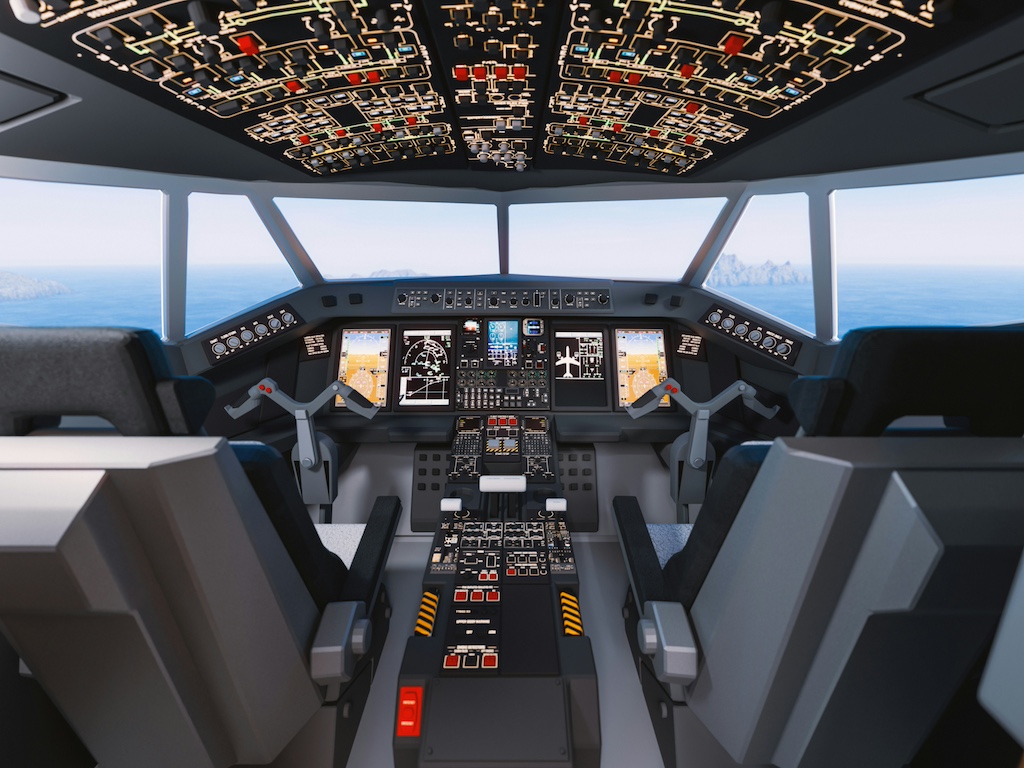


Google has introduced a new feature inside Google Earth that lets users fly around the world using a flight simulator. The tool works directly in a web browser, so there is no need to install extra software. It is currently labelled as experimental, which means it is still being tested and may change over time. The feature is designed to give users a simple way to explore the planet from above.
The simulator gives users the feeling of flying over Earth without leaving their home. As the aircraft moves, the map loads 3D buildings and detailed images of the terrain. This creates a smooth transition between different regions, such as mountains, cities and oceans. The experience is meant to feel immersive, but still simple enough for anyone to try. It does not try to fully copy real-world flying physics in detail. Instead, it focuses on allowing users to travel visually across the planet in an easy way.
Prepare for takeoff. ✈️ Flight simulator is now available globally on web to all users. https://t.co/jV5ZW7BZeW
— Google Earth (@googleearth) June 12, 2026
We've recently added many our most powerful professional desktop features to web. Elevation profiles, new import types, but there's always been one other feature… pic.twitter.com/s11NDaCx60
A flight simulator is not completely new for Google Earth. A similar feature already existed in 2007, but it was hidden inside the desktop version of the software. At that time, users had to download the application before they could access it. The new version removes that barrier by making the tool available directly in a browser. The updated simulator is part of a wider effort to bring desktop features into the web version of Google Earth. According to Google, the feature was added “just for fun” alongside other improvements.
Accessing the simulator is done directly through Google Earth in a browser. Once inside, users can open the tools menu and activate the flight simulator with a few clicks. The experience immediately places them above the map, ready to begin flying over the virtual globe. Instead of complex setup steps, the tool is designed to feel quick and intuitive to launch.
Control of the aircraft is mainly handled through simple keyboard inputs. Arrow keys are used to steer and adjust direction, while speed can be increased or reduced with basic controls such as Page Up and Page Down. Users can also switch between mouse and keyboard input depending on what feels easier. Even with these simplified controls, the simulator still requires some practice before flights feel smooth and stable.
Although the simulator is easy to access, many users find it difficult to control at first. Small mistakes in movement can quickly lead to crashes or loss of direction. When this happens, the simulation simply pauses and allows the user to restart from a safe position. This removes pressure and makes experimentation easier. Online reactions show a mix of excitement and frustration. Some users enjoy the challenge, while others admit that controlling the aircraft is not easy. Still, the focus of the tool is not accuracy but entertainment and exploration. Even when flights end in crashes, users can immediately try again without penalty.
The flight simulator can appeal to people who enjoy discovering new places in a different way. It allows users to fly over destinations they may want to visit in real life. This can help them understand geography, distances and landscapes from a unique perspective. It also offers a playful way to explore regions that might otherwise be difficult to reach. The experience depends on internet performance, since images and 3D data load dynamically during flight. In areas with slower connections, some details may appear with a delay. Despite this, the simulator still provides a smooth overview of the planet for most users. It turns Google Earth into more than a map, creating a simple but engaging virtual travel experience.